
 Lesson planning
How to write a lesson plan: a step-by-step guide for teachers
A clear, eight-step way to plan any lesson, from the objective to the exit ticket, with example timings and a template you can copy.
AI lesson planner for teachers
Tell Lesson Dino your subject, year group and topic. It looks the topic up first, then gives you lesson ideas, a lesson plan, videos, slides and a printable worksheet to match.
Pupils draw the cycle on a sealed bag of water and tape it to a sunny window, then watch drops form and run down over the week.
Pupils follow one drop from a puddle to a cloud and back, writing a diary entry for each stage.
Draw round a playground puddle in chalk and check it every hour. Where did the water go?
+ 6 more ideas to choose from
The best YouTube clips for the topic, and the part of each one to play.
1. Label the four stages.
2. Fill in the gap.
When the sun heats water, it turns into water .
Page 1 of 2 · Answer sheet included
See the real app
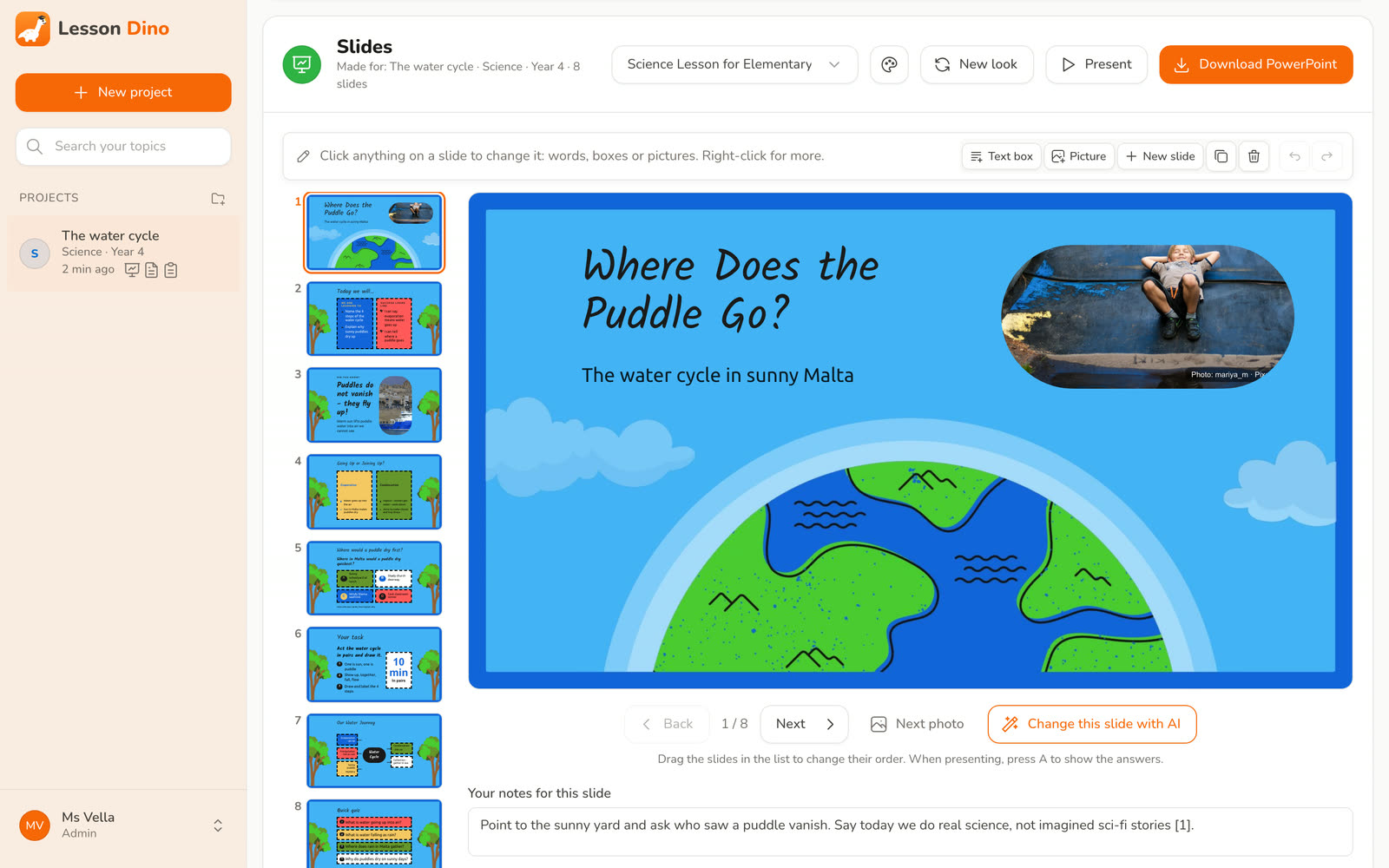
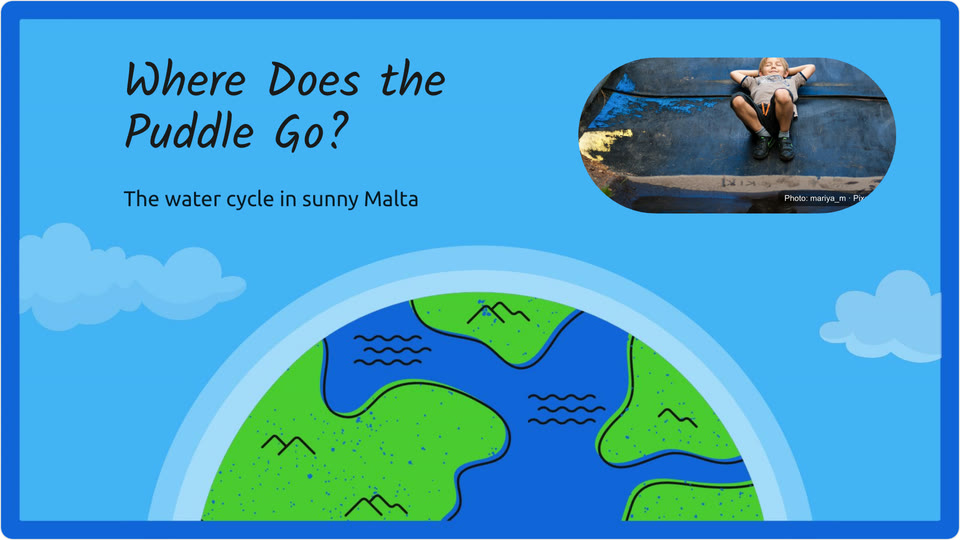
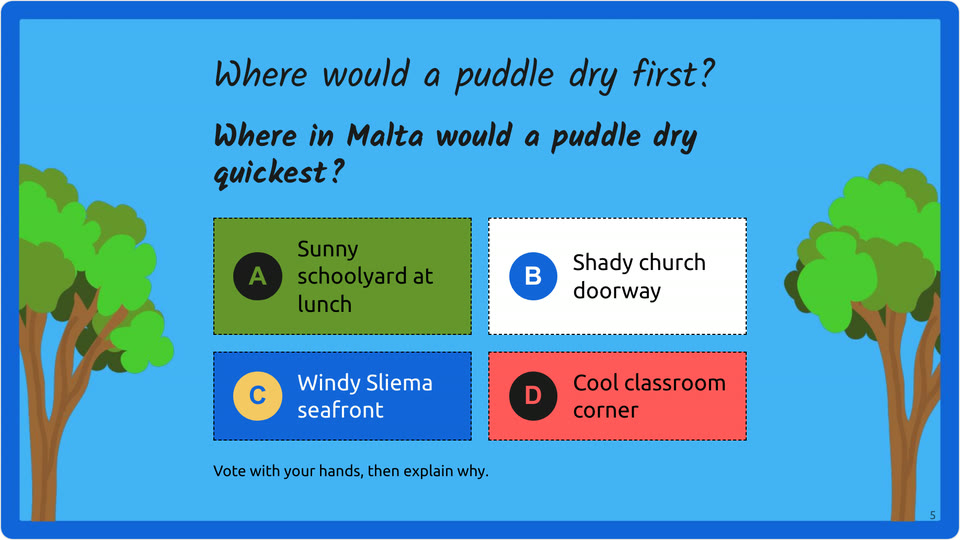
A teacher types “Science, Year 4, The water cycle”. Lesson Dino makes the slides, a worksheet and the lesson plan, set in Malta because that's the teacher's country.
Nothing here is a mock-up. These are the slides, worksheet and plan Lesson Dino made in the video.
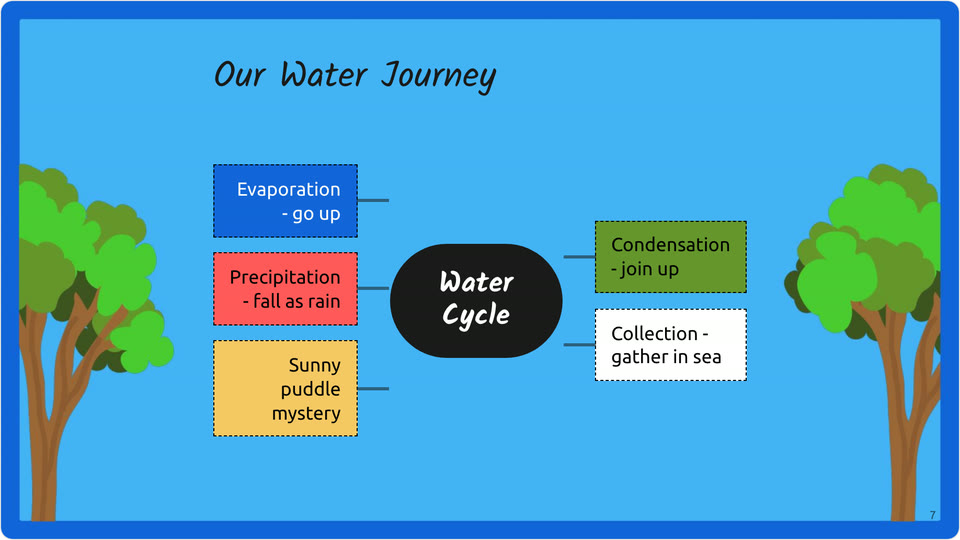
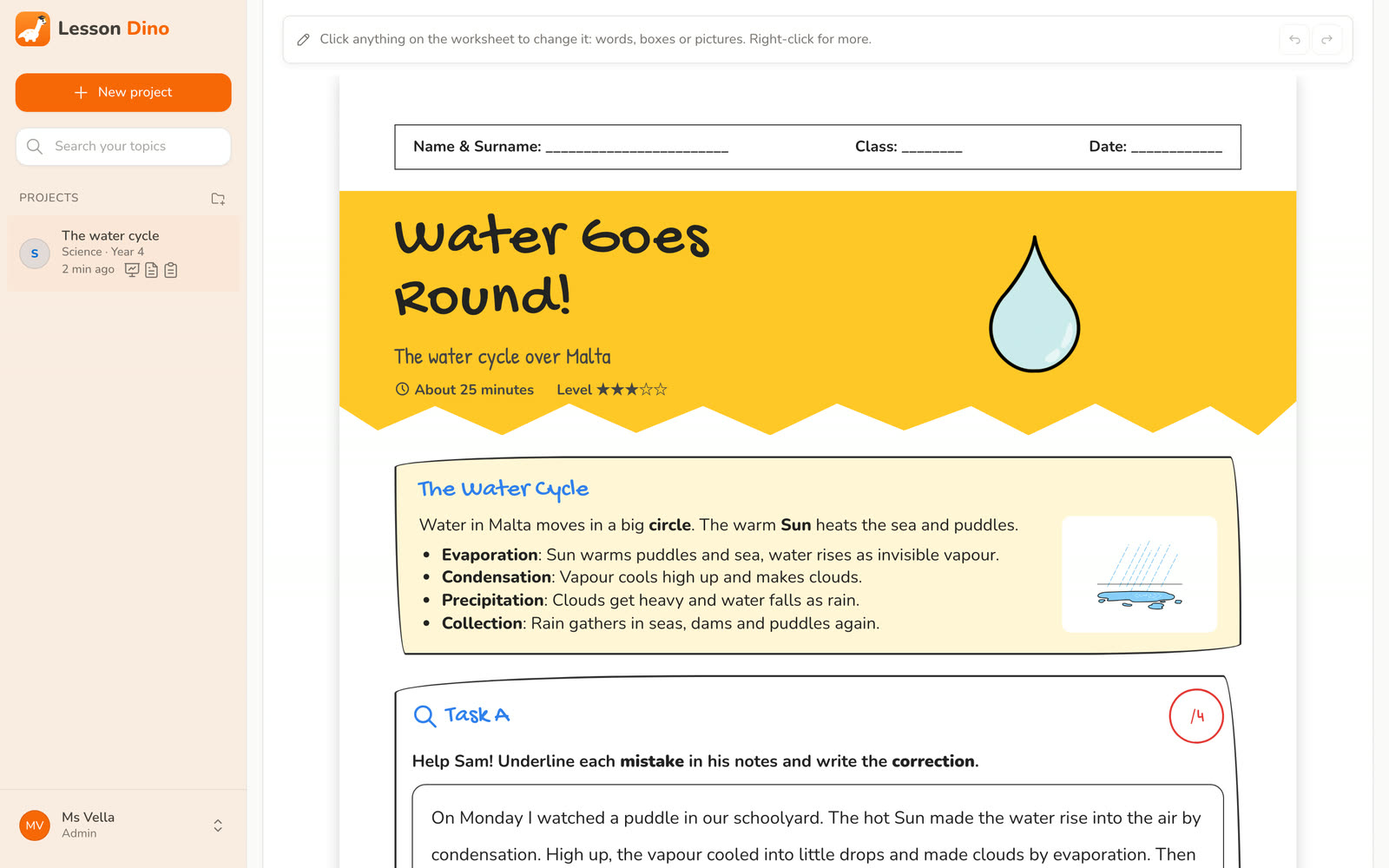
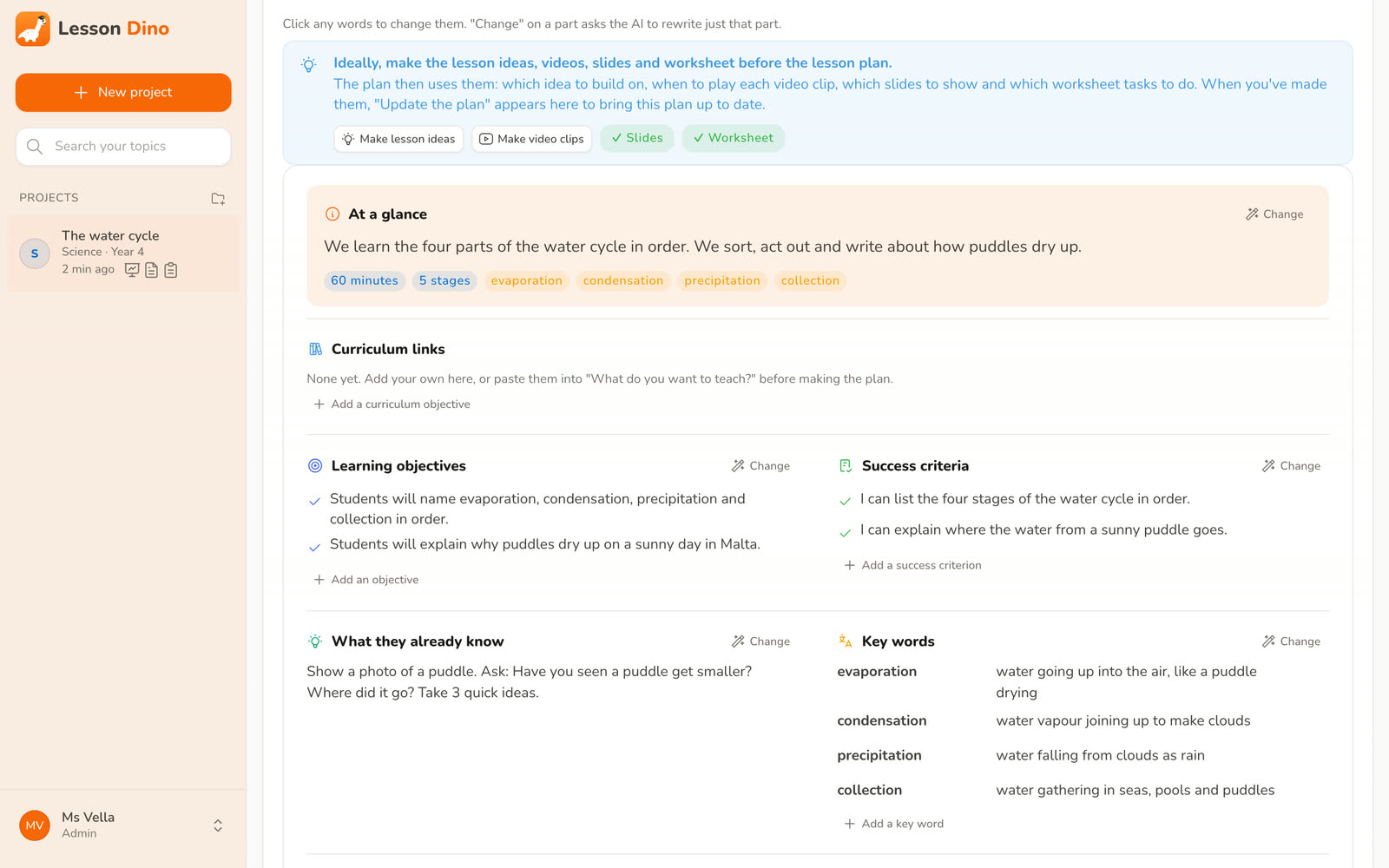
Photos on the slides come from Pixabay and Wikimedia Commons (harbour photo: Felix O, CC BY-SA 2.0).
Lesson plan generator, slides and worksheets
Make one part or all five. Each part follows the same topic, year group and sources, so the plan, the slides and the worksheet match.
Nine fresh ideas for your topic, so you can choose the one that suits your class.
Objectives, timings for each part and an exit ticket. Download it as Word or PDF.
The best YouTube clips for your topic, the right part of each one to play, and what to ask pupils afterwards.
Pictures, clear layouts and 80 designs, or your school's own template. Edit them in your browser, present them from Lesson Dino or download PowerPoint.
Printable A4 pages with tasks at the right level for the age, and an answer sheet.
Facts you can check
AI tools can sound sure and still be wrong. Lesson Dino starts by looking your topic up in Wikipedia and well-known learning sites for children and teenagers.
It writes from what it finds and numbers every source, so you can check a fact in seconds. If it can't find anything, it tells you.
The sun heats water in seas, lakes and puddles.[1] When water is heated it turns into water vapour, a gas.[2] The vapour cools higher up and forms clouds.[1]
SourcesHow it works
Type the subject, the year group and the topic. Add what you want pupils to learn if you like.
Year 5, Grade 4, Form 2, KS2 or “ages 7–9” all work.
Lesson ideas, a lesson plan, videos, slides or a worksheet. Make one part, or the whole set.
Edit any slide or task, pick a slide design, present in class, or download PowerPoint and PDF.
Made for your classroom
Young children get short words, big pictures and picture symbols for early readers. Older students get proper subject terms and more depth.
Lesson Dino uses your country's spelling, money, units and rules, so examples look like the world your pupils live in.
| Malta | United States | |
|---|---|---|
| Spelling | colour | color |
| Money | €2.50 | $2.50 |
| Temperature | 25 °C | 77 °F |
| Age 12–13 | Form 2 | 7th grade |
Every lesson is saved as a project. Sort them into folders and search by topic, so last year's lessons are ready when you teach the topic again.
From the blog
Practical guides for busy teachers, whether or not you use Lesson Dino.
Lesson planningA clear, eight-step way to plan any lesson, from the objective to the exit ticket, with example timings and a template you can copy.
 Assessment
Twenty exit tickets you can use tomorrow, how to write questions that show real understanding, and a quick way to sort the answers.
 AI for teachers
What AI lesson planners do well, where they go wrong, how to ask for a plan that fits your class, and what to check before you teach it.
Questions
Lesson Dino is free while it is in beta. Leave your email and we will send you an invite.
Any subject, from early years to sixth form. You type the subject, year group and topic, and Lesson Dino adjusts the reading level, the amount of text on each slide and the pictures.
Before it writes anything, Lesson Dino looks your topic up in Wikipedia and well-known learning sites for children and teenagers. It writes from what it finds and lists the sources, so you can check them like any other resource. If it can't find any, it tells you.
Yes. You can change the words, pictures and layout of any slide or worksheet, drag slides into a new order, pick another slide design, ask the AI to change one slide, and make any part again. Earlier versions are kept, so you can always go back.
Slides download as PowerPoint, and you can also present them straight from Lesson Dino or use your school's own PowerPoint template. Worksheets download as PDF, ready to print on A4, and lesson plans as Word or PDF.
No. Lesson Dino only needs the subject, the year group and the topic. You never type pupils' names or personal details.
Yes. Choose your country and Lesson Dino uses its spelling, money, units and rules. It also understands how you name year groups, such as Year 5, Grade 4, Form 2 or KS2.
Free beta
Leave your email and we will send you an invite. Tell us what you teach, so we can make Lesson Dino better for your subject.